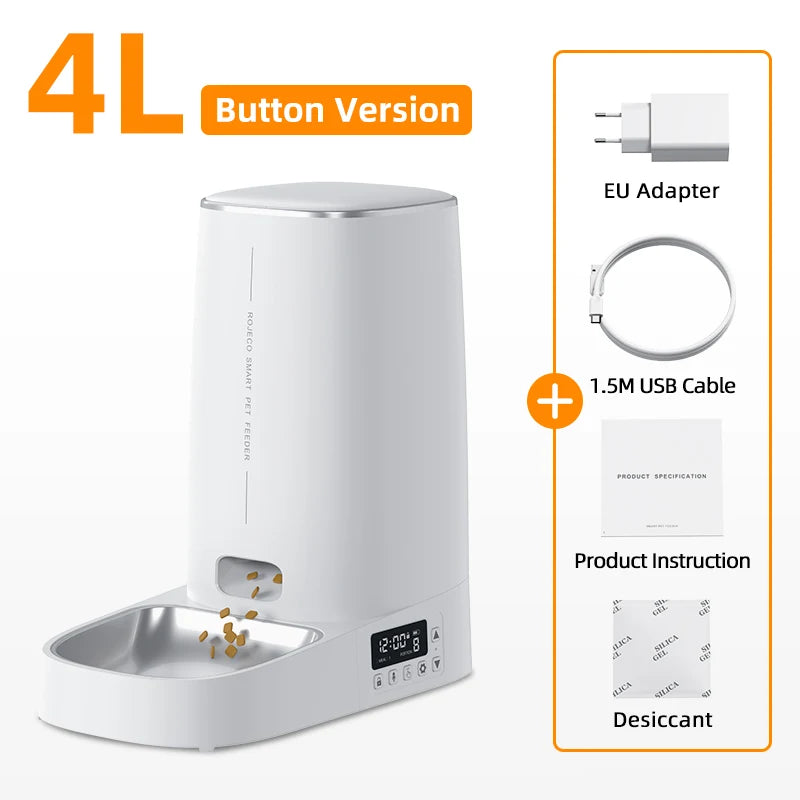
ROJECO Smart Automatic Cat Feeder – WiFi Pet Food Dispenser with Timer
ROJECO Smart Automatic Cat Feeder – WiFi Pet Food Dispenser with Timer
Prix habituel
€157,99
Prix habituel
€255,99
Prix promotionnel
€157,99
Prix unitaire
par
Frais d'expédition calculés à l'étape de paiement.
Impossible de charger la disponibilité du service de retrait
ROJECO Smart Automatic Cat Feeder – WiFi Pet Food Dispenser with Timer, App Control & Voice Recording (4L Capacity)

Keep your pet happy, healthy and fed on time – even when you’re away! 🐾
The ROJECO Smart Automatic Cat Feeder makes mealtime stress-free for pet owners. With its 4L capacity, WiFi connectivity and mobile app control, you can schedule meals, record your voice, and monitor feeding from anywhere in Europe.

Perfect for busy pet parents who value convenience, precision and love for their furry friends.
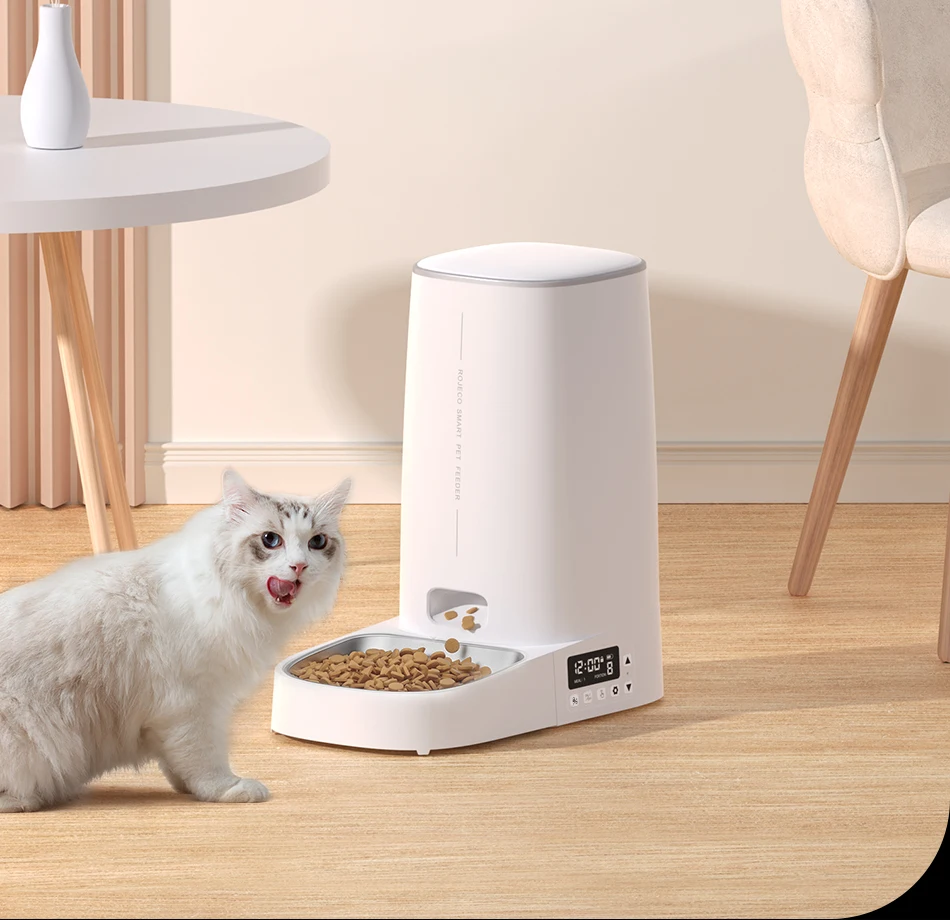
Smart App Control: Manage meal times, portions, and schedules right from your phone (compatible with iOS & Android).
Voice Recording: Record a custom message to call your cat or dog at mealtime.
Scheduled Feeding: Program up to 10 meals per day to ensure consistent feeding, even when you’re out.

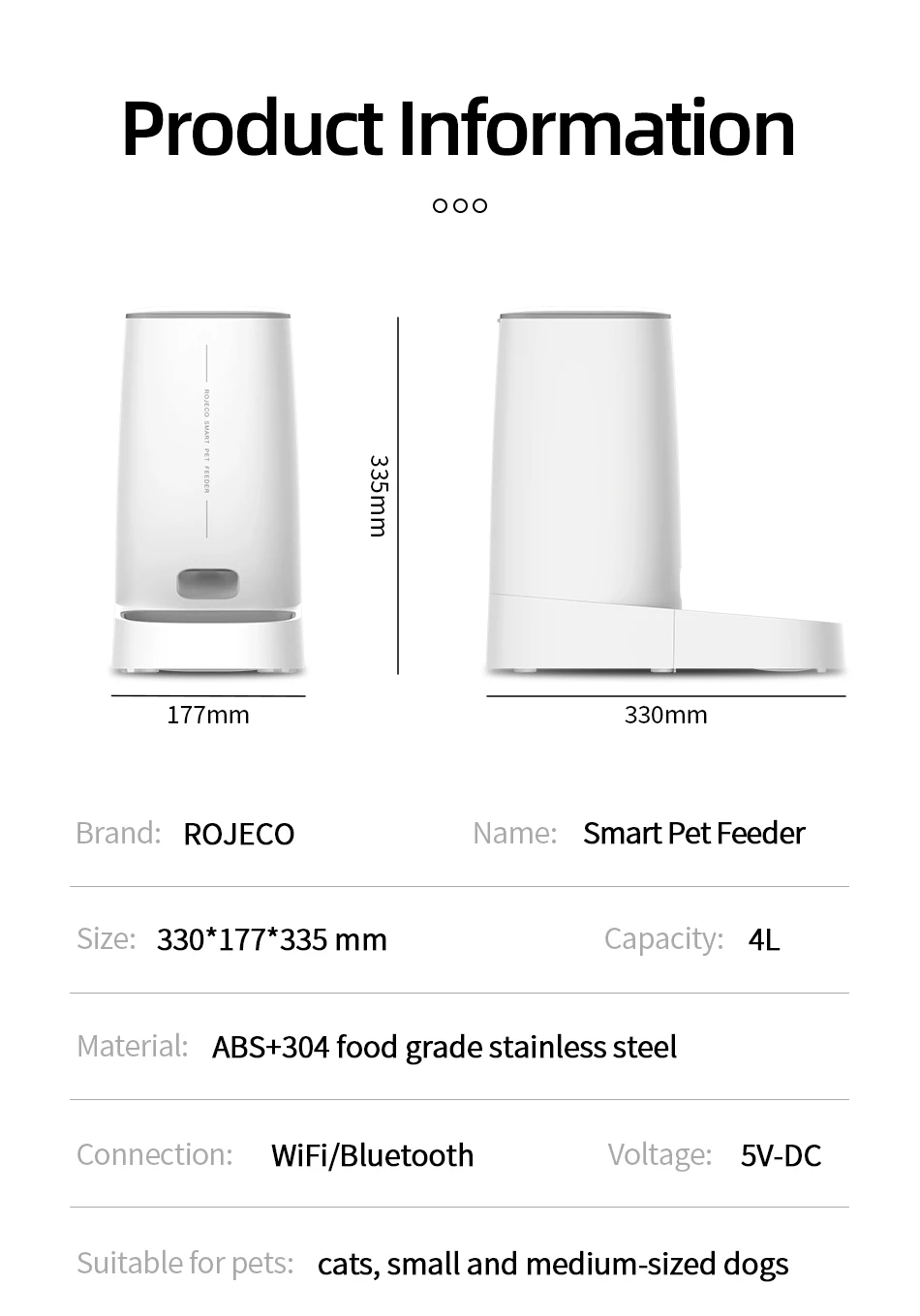
4L Large Capacity: Holds up to 1.6 kg of dry food – perfect for cats or small dogs (feeds up to 20 days).
Dual Power System: Works with USB plug or backup batteries (not included) for uninterrupted operation.
Easy to Clean: Detachable food tank and stainless steel bowl for hygiene and convenience.

Brand: ROJECO
Material: ABS + Stainless Steel
Capacity: 4 Litres (~1.6 kg dry food)
Power Supply: USB plug + battery backup
Control: WiFi + App (Tuya/Smart Life)
Compatibility: Android / iOS
Suitable for: Cats & Small Dogs

Peace of mind with automatic & remote feeding
Keeps pets on a healthy eating routine
Perfect for working professionals and travellers
Sleek modern design fits any home decor
✅ Ships from Spain or France (3–7 business days)
✅ CE-certified electronics
✅ 30-day satisfaction guarantee

❤️ Give your pet smart care, even when you’re not home – order your ROJECO Smart Feeder today!




Installation Instructions:
1.Add Food
2.Press the lid button to open and add food
3.Add Desiccant
4.Take off the lid and open the desiccant box, place the desiccant then close it
5.Install the Food Bowl
6.Place the bowl on ground and main body stuck down, as the picture shows
7.Power-On: Connect charging cable to power supply and type-C charging port at the bottom of feeder
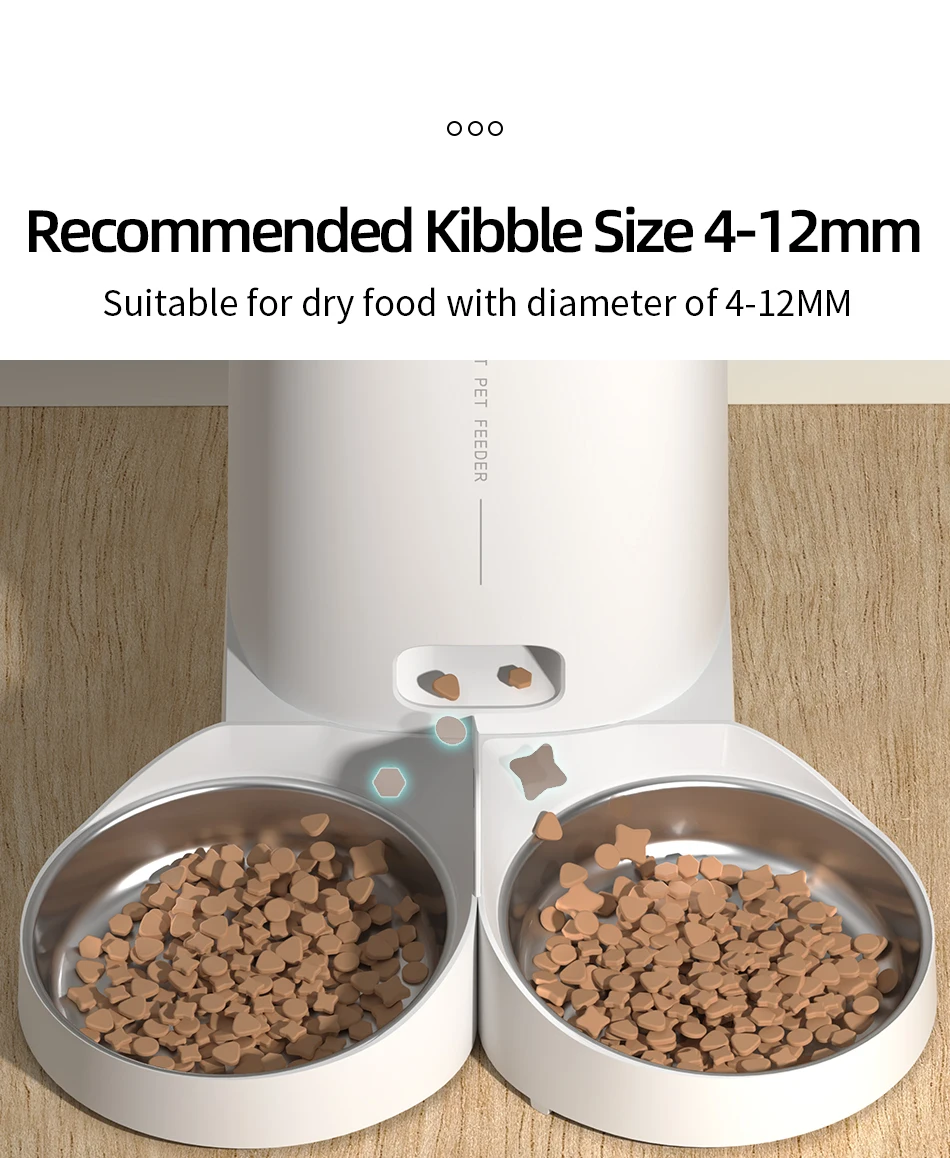
9.Add Pet dry food and put the lid( Suitable for 4-12mm (0.16-0.47in ) diameter dry food)
1.Add Food
2.Press the lid button to open and add food
3.Add Desiccant
4.Take off the lid and open the desiccant box, place the desiccant then close it
5.Install the Food Bowl
6.Place the bowl on ground and main body stuck down, as the picture shows
7.Power-On: Connect charging cable to power supply and type-C charging port at the bottom of feeder
9.Add Pet dry food and put the lid( Suitable for 4-12mm (0.16-0.47in ) diameter dry food)
How to Connect the APP:
1.Download the APP "ROJECO" from APP store or Android APP Market
2.Then " +Add Device" On the the home page, please connect the device with the reminder
3.Note: Please make sure the bluetooth is turn on when connecting to the network for the first time.
4.Scan the code to download the "ROJECO" APP
1.Download the APP "ROJECO" from APP store or Android APP Market
2.Then " +Add Device" On the the home page, please connect the device with the reminder
3.Note: Please make sure the bluetooth is turn on when connecting to the network for the first time.
4.Scan the code to download the "ROJECO" APP
How to schedule feeding plan by APP:
Set the feeding plan in the APP after connected, it could automatically fed as schedule, also can receive feeding records everytime.
Set the feeding plan in the APP after connected, it could automatically fed as schedule, also can receive feeding records everytime.
How to Manual Feeding:
Double click the manual feeding button then give one portion of the food(about 5g) each time.
(It also can be controlled by APP)
Double click the manual feeding button then give one portion of the food(about 5g) each time.
(It also can be controlled by APP)
How to Reset Wifi Connection:
Hold the feeding button for 5 Seconds, the wifi/bluetooth indicator flash quickly then reset succeeds.
Hold the feeding button for 5 Seconds, the wifi/bluetooth indicator flash quickly then reset succeeds.
Indicator Description:
Green light slowly flashes: Waiting for connection
Green Light stays on: Connected
Red Light slowly flashes: Lack of food
Red light quickly flashes: Feeder is stuck
Red light off: Enough food
Green light slowly flashes: Waiting for connection
Green Light stays on: Connected
Red Light slowly flashes: Lack of food
Red light quickly flashes: Feeder is stuck
Red light off: Enough food
Questions & Answers
Question1: Why network connecting is not successful?
Answer: 1.Confirm whether it is tourist mode, please register for the APP account on first using.
Question1: Why network connecting is not successful?
Answer: 1.Confirm whether it is tourist mode, please register for the APP account on first using.
2. Make sure that the network password is entered correctly.
3. Please make sure to use 2.4G WiFi network, this product does not support 5G WiFi.
4. Please make sure that the WiFi working on good condition, it is recommended that the distance is not more than 20 meters to avoid poor network connecting.
3. Please make sure to use 2.4G WiFi network, this product does not support 5G WiFi.
4. Please make sure that the WiFi working on good condition, it is recommended that the distance is not more than 20 meters to avoid poor network connecting.
Question2: Why the device cannot be searched?
Answer: If there is no distribution network for a long time after booting, it is possible to search for the device when the network is distributed again, please press the feeding button for 6S, and then add the device to search for the device.
Answer: If there is no distribution network for a long time after booting, it is possible to search for the device when the network is distributed again, please press the feeding button for 6S, and then add the device to search for the device.
Question3: Why no food dispensed?
Answer: 1.Please check whether remaining food is sufficient.
2.Please make sure that pet food is dry food, this product only supports dry food used.
Answer: 1.Please check whether remaining food is sufficient.
2.Please make sure that pet food is dry food, this product only supports dry food used.
3.This product can be added to no more than 20% lyophilized food and its size must be less than 12 mm.
4.Please confirm whether the feeding channel is full, it will reduce the number of feeding portions.
5.If feeder is stuck, please clean it up and go on using after ensuring the problem solved.
Question4: Why does not work after power supplied?
Answer: 1.Please check whether the plug is correctly connected to the power supply,
Answer: 1.Please check whether the plug is correctly connected to the power supply,
2.Whether the machine is connected by type C charging port without problem.
3.Whether the power indicator light is on normally